Area and Perimeter Calculator for 9 Shapes
Area and perimeter for nine shapes, with the formula shown every time.


Free download. AI explanations and dark mode need the optional PRO subscription.
Try it now
Step by step
- Multiply width by heightA = w × h = 12 × 7 = 84
- Add both pairs of sidesP = 2(w + h) = 2(12 + 7) = 38
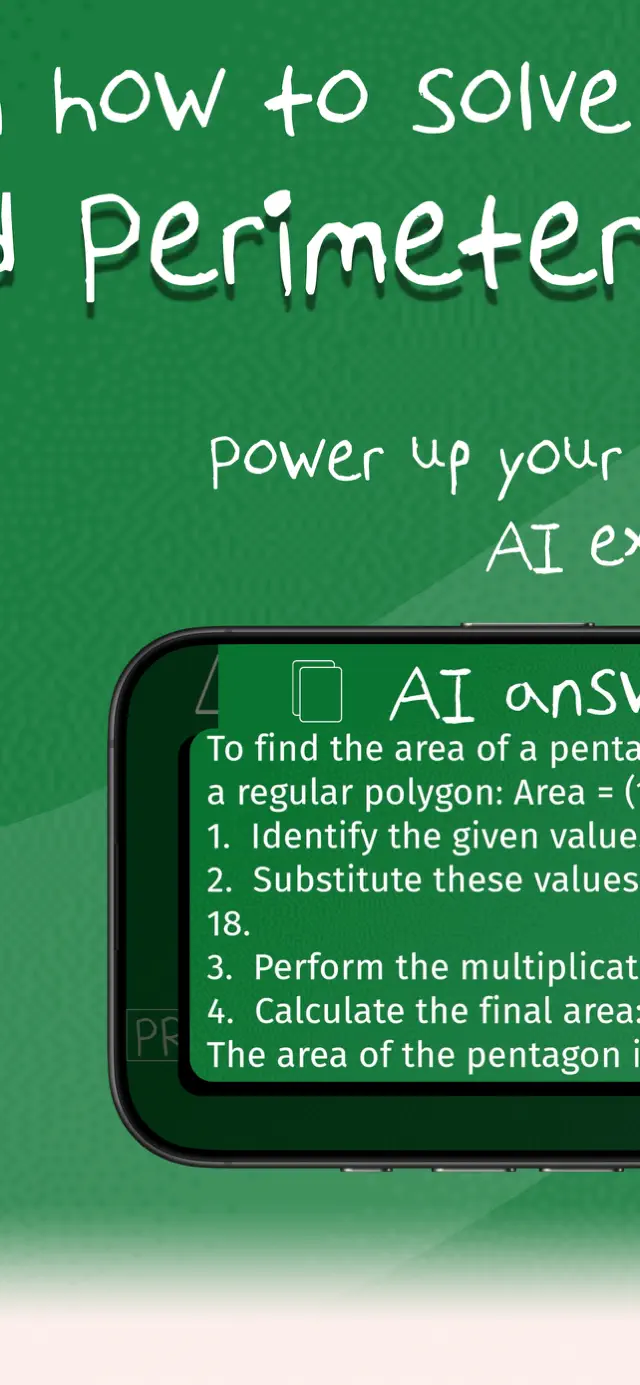
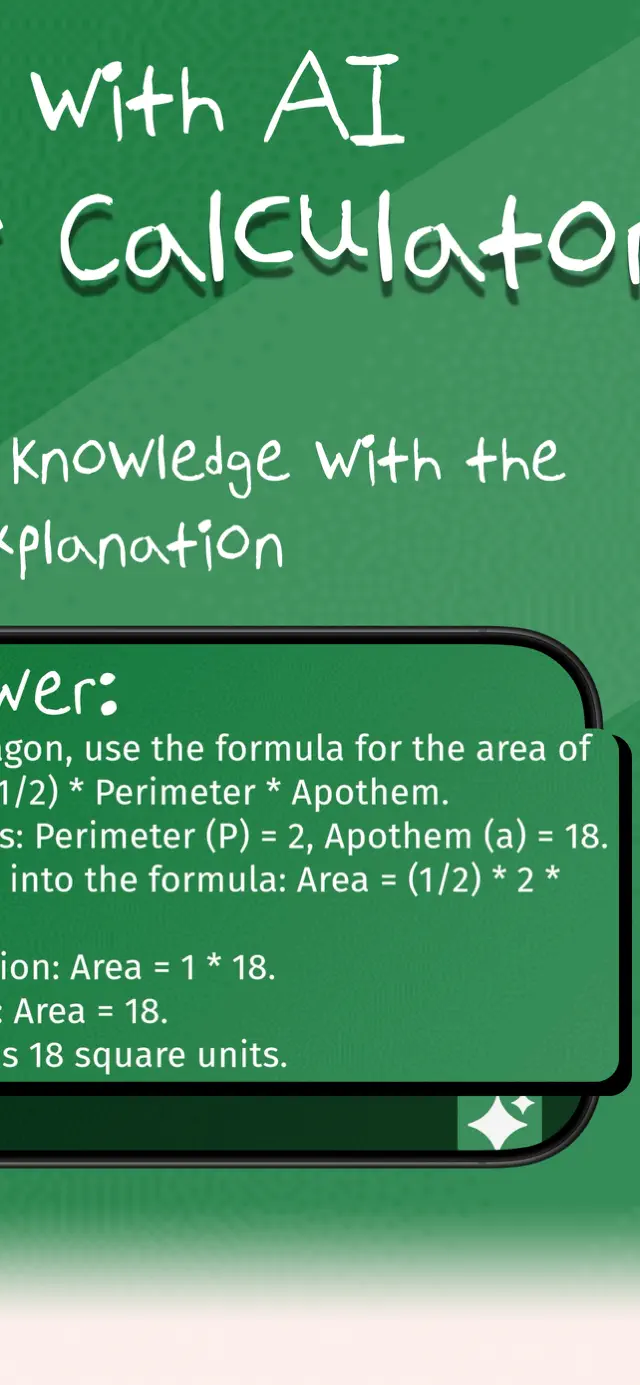
Want this explained in plain English, offline, in dark mode? That is what the app adds, with PRO.
What it does
Area Calculator
Pick a shape, enter its measurements and get both the area and the perimeter. Each shape comes with a labelled diagram so you know which measurement goes where, and the formula is written out with your numbers substituted in.
Nine shapes covered
Triangle, square, rectangle, circle, trapezoid, rhombus, parallelogram, pentagon, hexagon.
Labelled diagrams
A drawing of each shape shows exactly which side or height each input refers to.
Area and perimeter together
Both are computed at once, so you do not need two separate tools.
The formula, substituted
See the general formula and then the same formula with your own numbers in it.
How it works
Three steps to an answer
Choose a shape
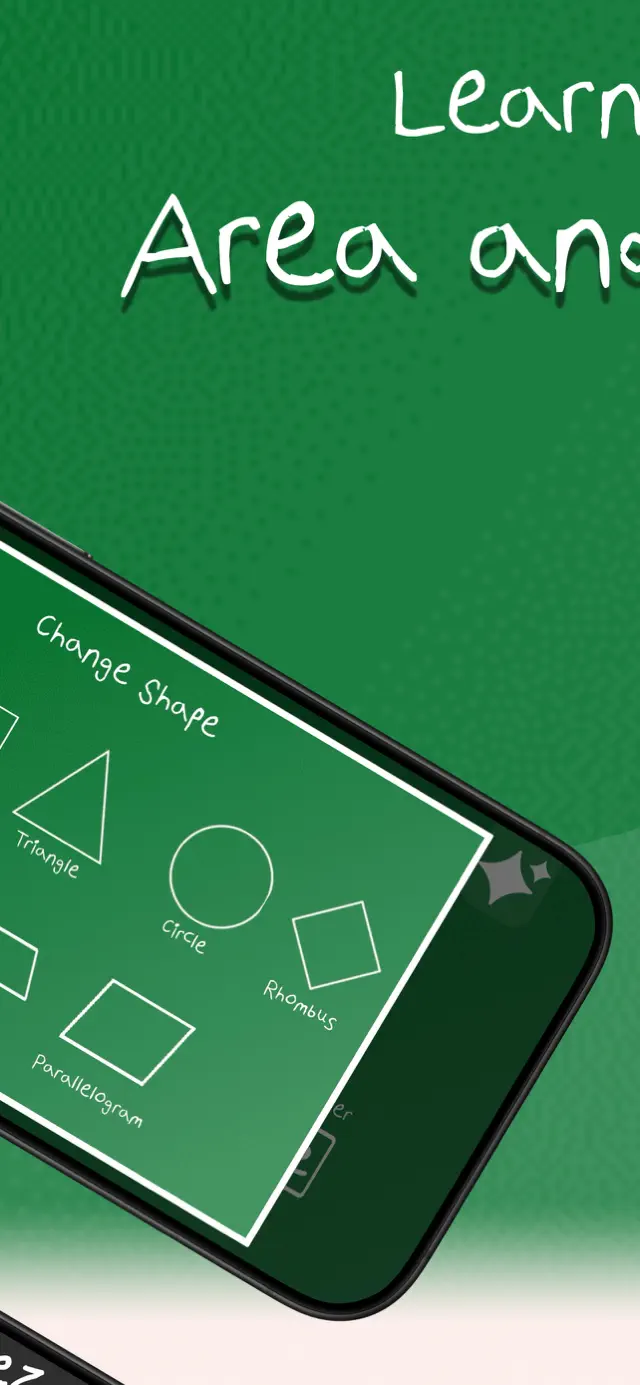
Nine shapes are available, each with its own diagram.
Enter the measurements
The diagram highlights which measurement each field is asking for.
Get area and perimeter
Both results appear with the formula and the substitution shown.
Guides
Learn the method, then check your work
Each guide walks through one kind of problem end to end, then drops the numbers straight into the calculator above.
Area of a Trapezoid
Average the parallel sides, multiply by the height. Plus why that works.
Read the guide →Area of a Rhombus
Multiply the diagonals and halve. Or use base times height — both work.
Read the guide →Area of a Regular Hexagon
Six equilateral triangles in a ring — which is where the formula comes from.
Read the guide →Area of a Regular Pentagon
Five sides, one formula, and a tangent that has to be there.
Read the guide →Area and Circumference of a Circle
πr² and 2πr — which is which, and how not to confuse them.
Read the guide →Area of a Triangle
Three formulas for three situations, depending on what you have been given.
Read the guide →Area of a Parallelogram
Base times height — and why using the slanted side is always wrong.
Read the guide →Area vs Perimeter
Inside versus around, square units versus plain ones, and why both matter.
Read the guide →Working Out Square Footage
Measure, multiply, add waste. The method plus the mistakes that cost money.
Read the guide →In the app
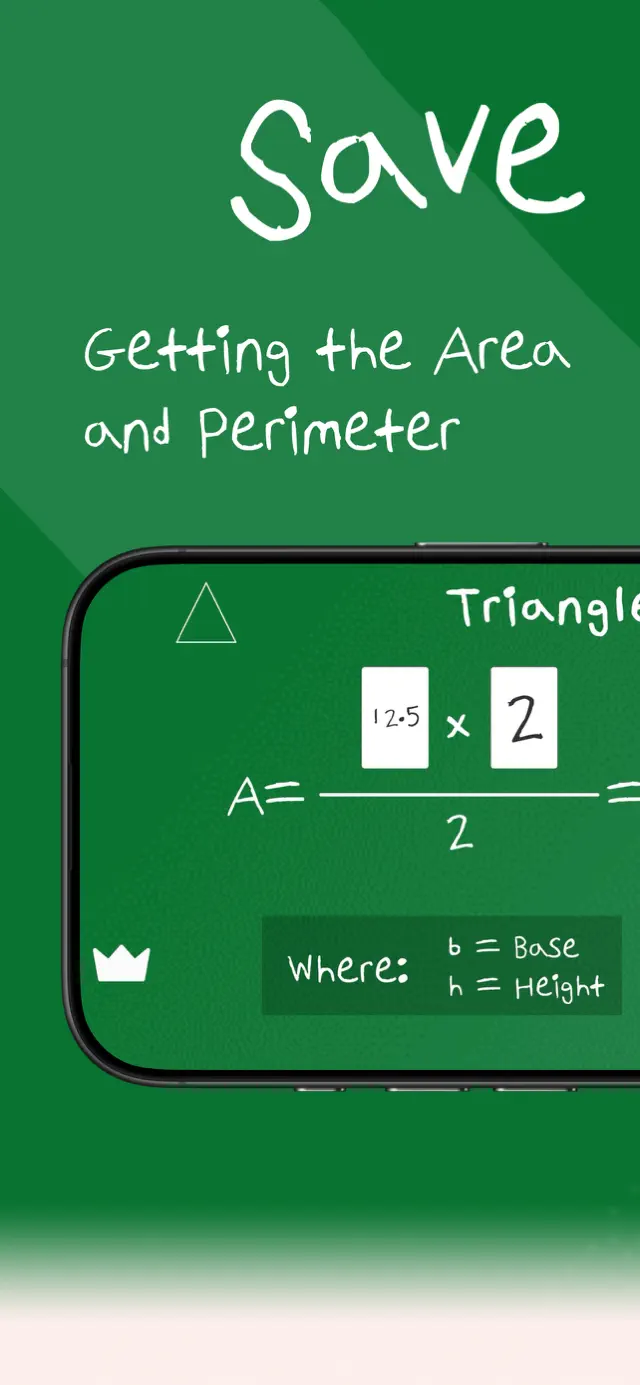
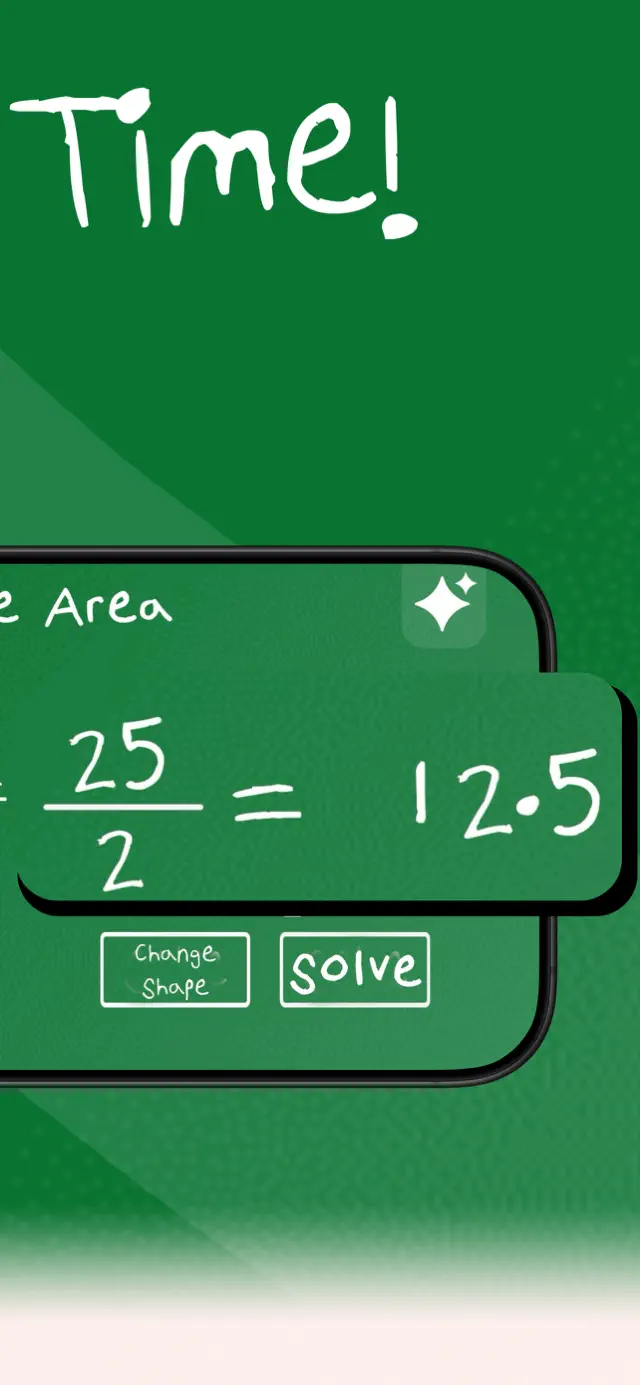
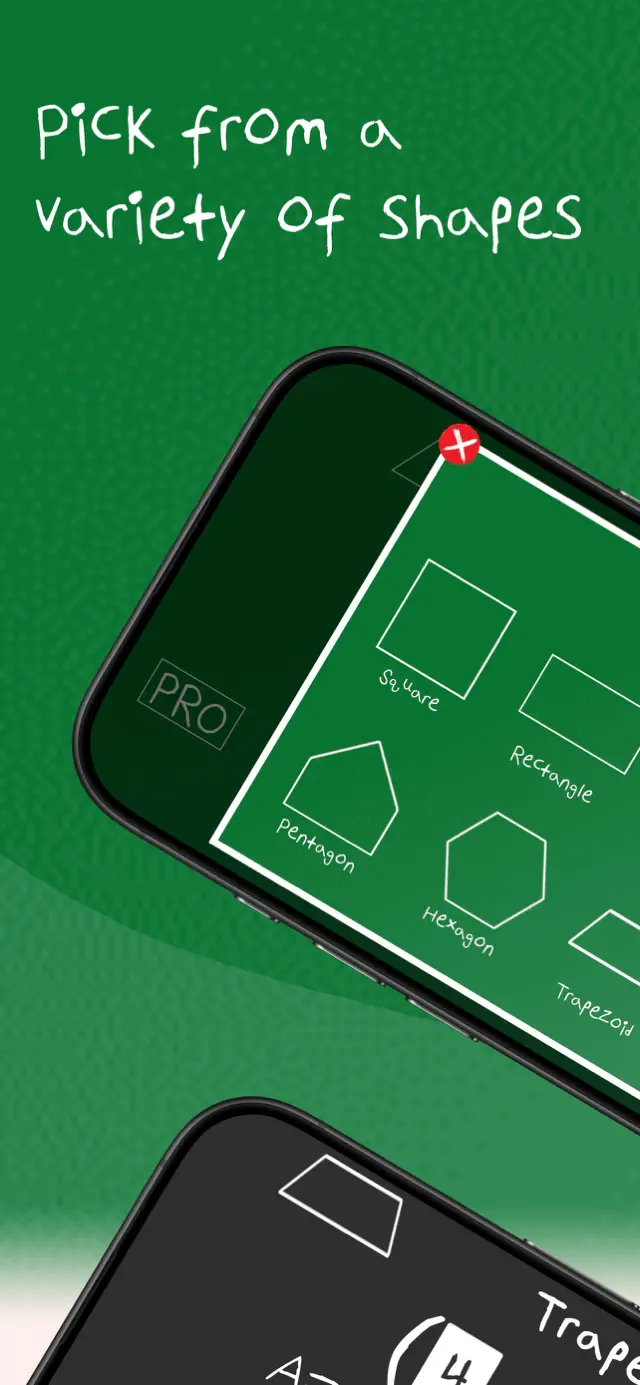
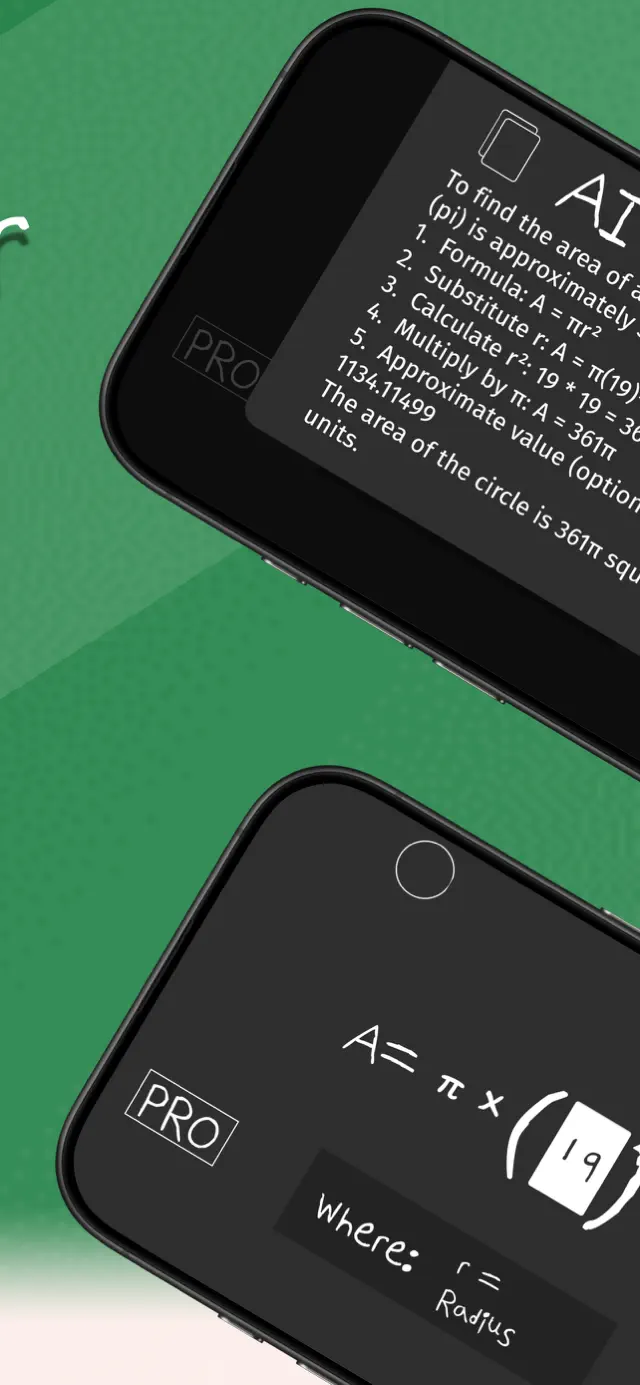
What Area Calculator looks like on your phone
The same calculator, built for touch — plus the AI explanation and dark mode that come with PRO.
FAQ
Questions people ask
How do you find the area of a trapezoid?
Add the two parallel sides, halve the result, and multiply by the perpendicular height. In symbols, A = ((a + b) ÷ 2) × h.
Area of a trapezoid →What is the difference between area and perimeter?
Area is the space inside a shape, measured in square units. Perimeter is the distance around its edge, measured in ordinary units. This calculator gives you both at once.
Area vs perimeter →Which shapes are supported?
Nine: triangle, square, rectangle, circle, trapezoid, rhombus, parallelogram, regular pentagon and regular hexagon.
Why does the triangle ask for three sides instead of base and height?
Base and height give you the area but not the perimeter. With all three sides the calculator can use Heron's formula for the area, add them for the perimeter, and still work out the height for you.
Area of a triangle →Can I use it for square footage?
Yes. Enter your measurements in feet and the area comes out in square feet — useful for flooring, paint and turf estimates.
Square footage, room by room →Take Area Calculator with you
The app adds plain-English AI explanations, dark mode, and works offline — useful when there is no signal or the exam hall has no Wi-Fi.
Free to download. AI explanations and dark mode are part of the optional PRO subscription.