Fraction Calculator with Steps
Add, subtract, multiply and divide fractions — with the working shown.


Free download. AI explanations and dark mode need the optional PRO subscription.
Try it now
Step by step
- The problem12+13
- Find the least common denominator of 2 and 3LCD = 6
- Rewrite both fractions over that denominator12 = 3613 = 26
- Add the numerators3 + 26 = 56
- The result is already in lowest termsgcd(5, 6) = 1
Want this explained in plain English, offline, in dark mode? That is what the app adds, with PRO.
What it does
Fraction Calculator
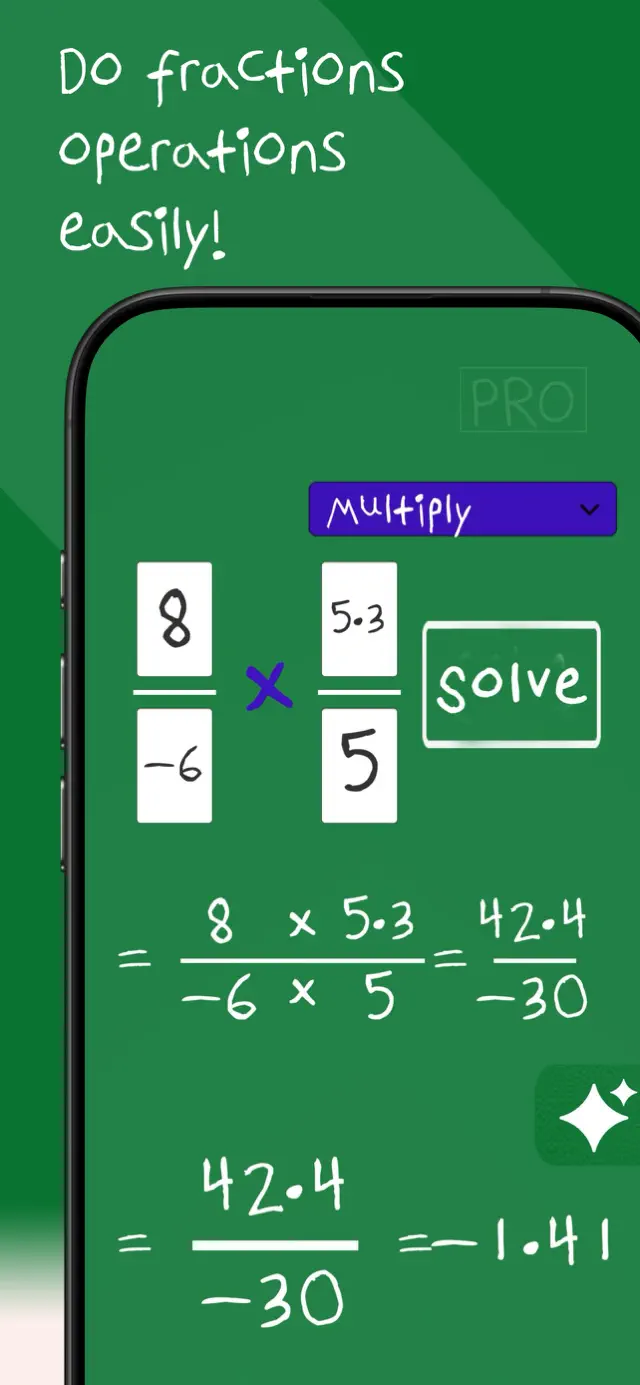
Enter two fractions and choose an operation. The calculator finds the least common denominator where one is needed, carries out the arithmetic, simplifies the result to lowest terms and shows each step — including the mixed-number form.
All four operations
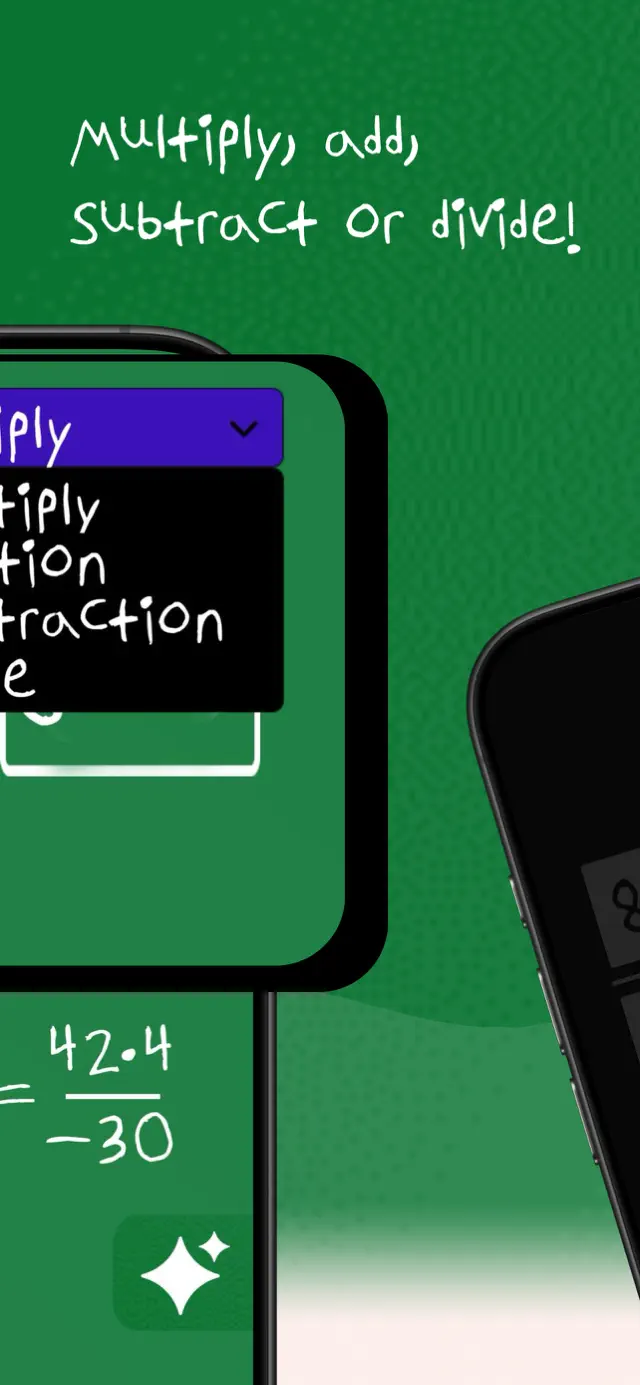
Addition, subtraction, multiplication and division, with the right method used for each.
LCD worked out for you
See exactly which common denominator was chosen and why.
Simplified automatically
Results reduce to lowest terms, with the GCD used shown in the steps.
Mixed numbers too
Improper results are also given as mixed numbers, so you can hand in either form.
How it works
Three steps to an answer
Type both fractions
Enter the numerator and denominator of each. Negative values are supported.
Pick an operation
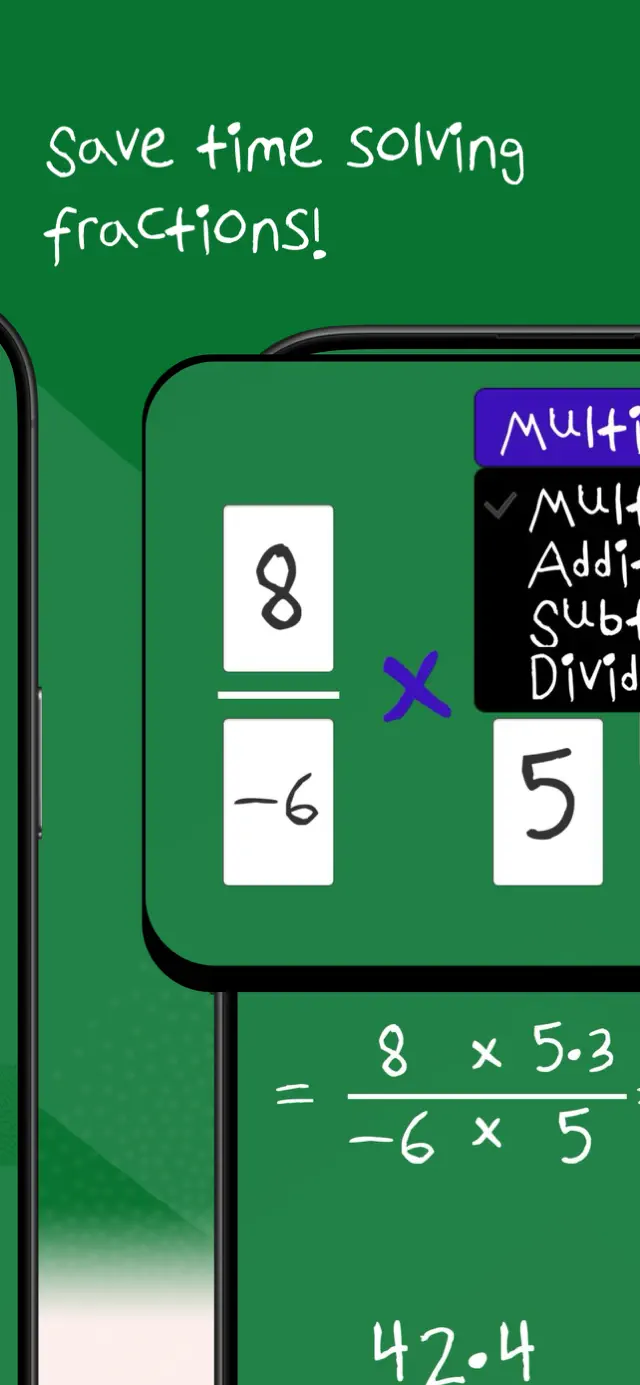
Choose +, −, × or ÷. The method adapts to what you picked.
Read the steps
The common denominator, the arithmetic and the simplification are all written out.
Guides
Learn the method, then check your work
Each guide walks through one kind of problem end to end, then drops the numbers straight into the calculator above.
Adding Fractions
Make the bottoms match, add the tops, simplify. Three steps, every time.
Read the guide →Subtracting Fractions
Same as adding, with one extra thing to watch: borrowing.
Read the guide →Multiplying Fractions
Straight across, top times top and bottom times bottom. No common denominator.
Read the guide →Dividing Fractions
Flip the second fraction and multiply. Plus why that strange rule works.
Read the guide →Simplifying Fractions
Divide top and bottom by the same number until you cannot any more.
Read the guide →Improper Fractions and Mixed Numbers
Divide to go one way, multiply and add to come back.
Read the guide →Finding the Least Common Denominator
Three ways to find it, from the quick guess to the reliable method.
Read the guide →What Is 1/2 + 1/3?
The answer is 5/6 — and here is every step of why.
Read the guide →Fractions in Cooking
Halving, thirding and doubling measurements without getting it wrong.
Read the guide →In the app
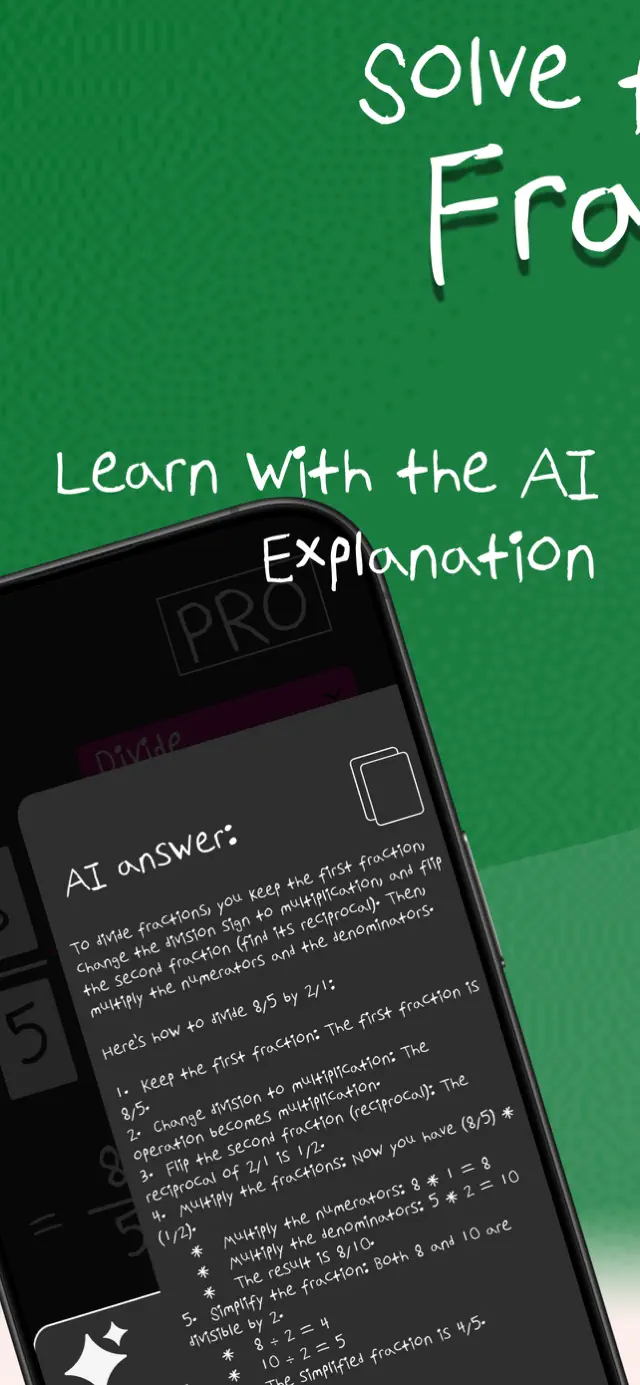
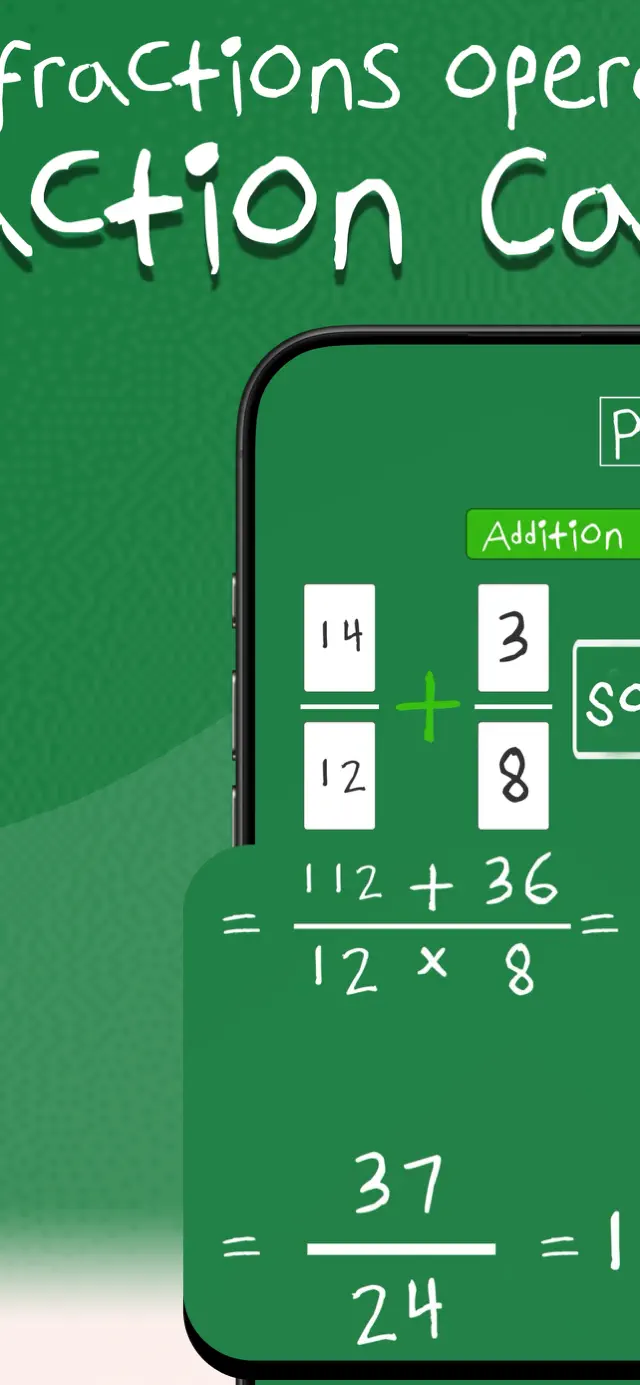
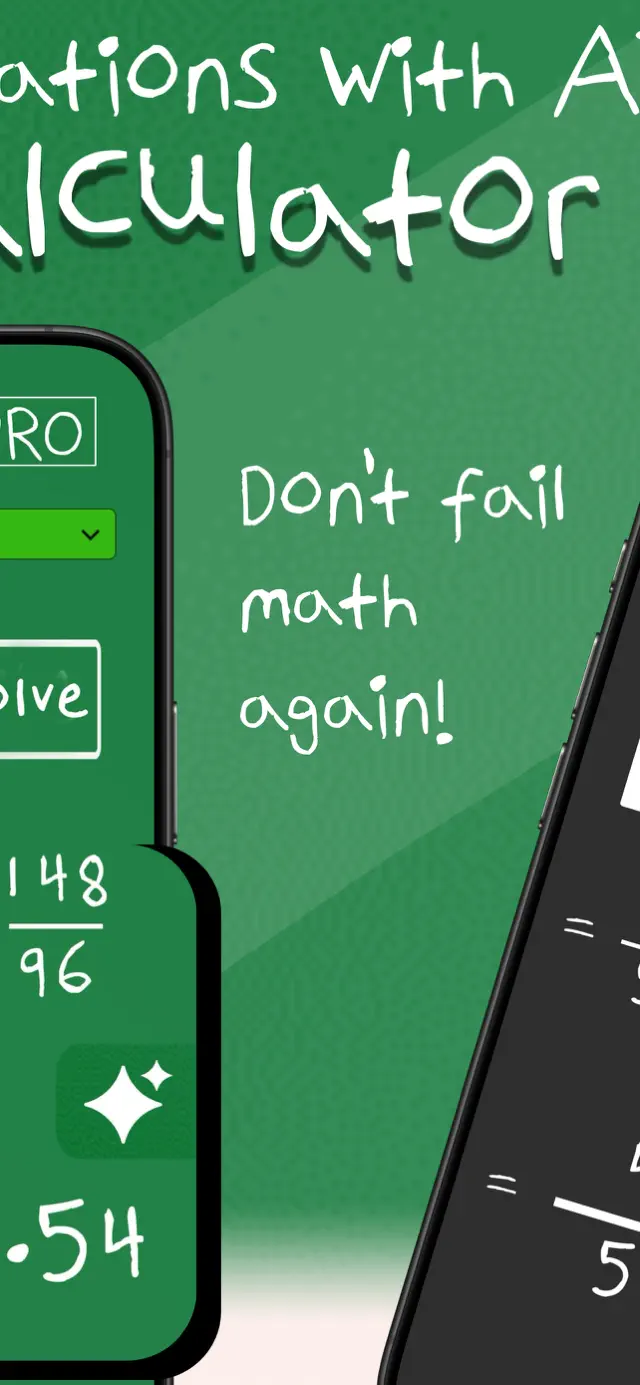
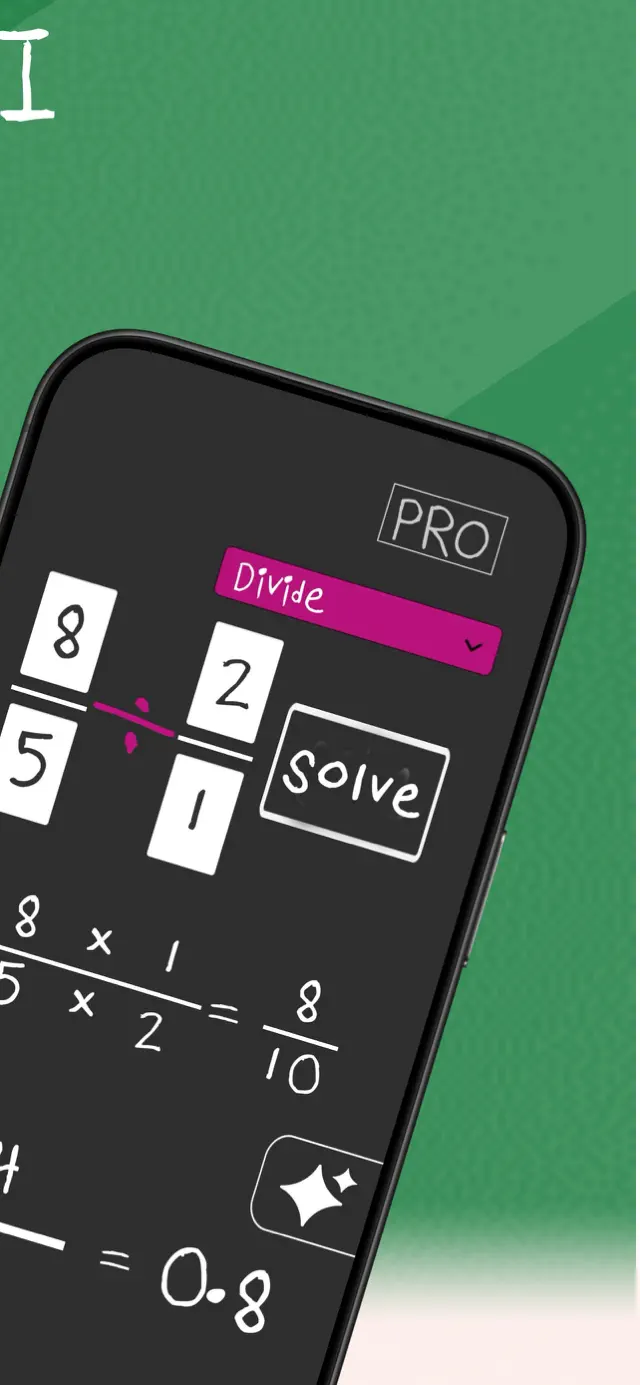
What Fraction Calculator looks like on your phone
The same calculator, built for touch — plus the AI explanation and dark mode that come with PRO.
FAQ
Questions people ask
How do you add fractions with different denominators?
Find the least common denominator, rewrite both fractions over it, add the numerators, then simplify. The calculator shows each of those steps with your numbers in them.
Adding fractions in full →How do you divide fractions?
Keep the first fraction, change the division to multiplication, and flip the second fraction upside down — "keep, change, flip". Then multiply across and simplify.
Dividing fractions in full →Does it simplify the answer automatically?
Yes. Results are reduced to lowest terms, and the step showing the reduction includes the greatest common divisor that was used.
How simplifying works →Can it handle improper fractions and mixed numbers?
Yes. Improper results are also shown as mixed numbers, so you can write the answer in whichever form your teacher expects.
Improper fractions and mixed numbers →Can I enter decimals?
Yes. Decimal inputs are scaled to whole numbers internally so the arithmetic stays exact and the result is still an exact fraction rather than a rounded decimal.
Take Fraction Calculator with you
The app adds plain-English AI explanations, dark mode, and works offline — useful when there is no signal or the exam hall has no Wi-Fi.
Free to download. AI explanations and dark mode are part of the optional PRO subscription.