Binary, Decimal, Hex & Octal Converter
Convert between any two number bases and see how the conversion works.


Free download. AI explanations and dark mode need the optional PRO subscription.
Try it now
Step by step
- Give each digit its place value — powers of 2, right to left1×27 + 1×26 + 0×25 + 1×24 + 0×23 + 1×22 + 1×21 + 0×20
- Work out each term128 + 64 + 0 + 16 + 0 + 4 + 2 + 0
- Add them up110101102 = 21410
Want this explained in plain English, offline, in dark mode? That is what the app adds, with PRO.
What it does
Base Converter
Type a number in any base from 2 to 36 and every other base updates as you type. Binary, octal, decimal and hexadecimal are always shown, and the steps below break down the place values and the repeated division that produce the result.
Live in every base
Binary, octal, decimal and hex all update as you type — no convert button.
Bases 2 to 36
Not just the usual four. Any base from 2 to 36 works in both directions.
Place values shown
The expansion that turns digits into a value is written out in full.
One-tap copy
Copy any result straight to the clipboard, ready to paste into your code.
How it works
Three steps to an answer
Choose your input base
Pick the base your number is currently in, or use the binary/decimal/hex shortcuts.
Type the number
Invalid digits for the chosen base are rejected as you type.
Read across
Every other base is shown at once, with the conversion steps underneath.
Guides
Learn the method, then check your work
Each guide walks through one kind of problem end to end, then drops the numbers straight into the calculator above.
Converting Binary to Decimal
Give each 1 its place value and add them up. That is the whole method.
Read the guide →Converting Decimal to Binary
Divide by two, keep the remainders, read them bottom to top.
Read the guide →Converting Hexadecimal to Decimal
Sixteen digits, place values of 16, and what the letters mean.
Read the guide →Converting Binary to Hexadecimal
Group the bits in fours and translate each group. No arithmetic needed.
Read the guide →Converting Decimal to Octal
Divide by eight, or group binary in threes. Both routes work.
Read the guide →Binary, Decimal and Hex Chart
The reference tables worth keeping open while you work.
Read the guide →What Hexadecimal Is Used For
Colours, memory addresses, error codes and why hex beat the alternatives.
Read the guide →Converting DEADBEEF
A famous eight-digit hex value, converted the long way.
Read the guide →Why Computers Use Binary
Two states are reliable. Ten states are not. That is most of the answer.
Read the guide →In the app
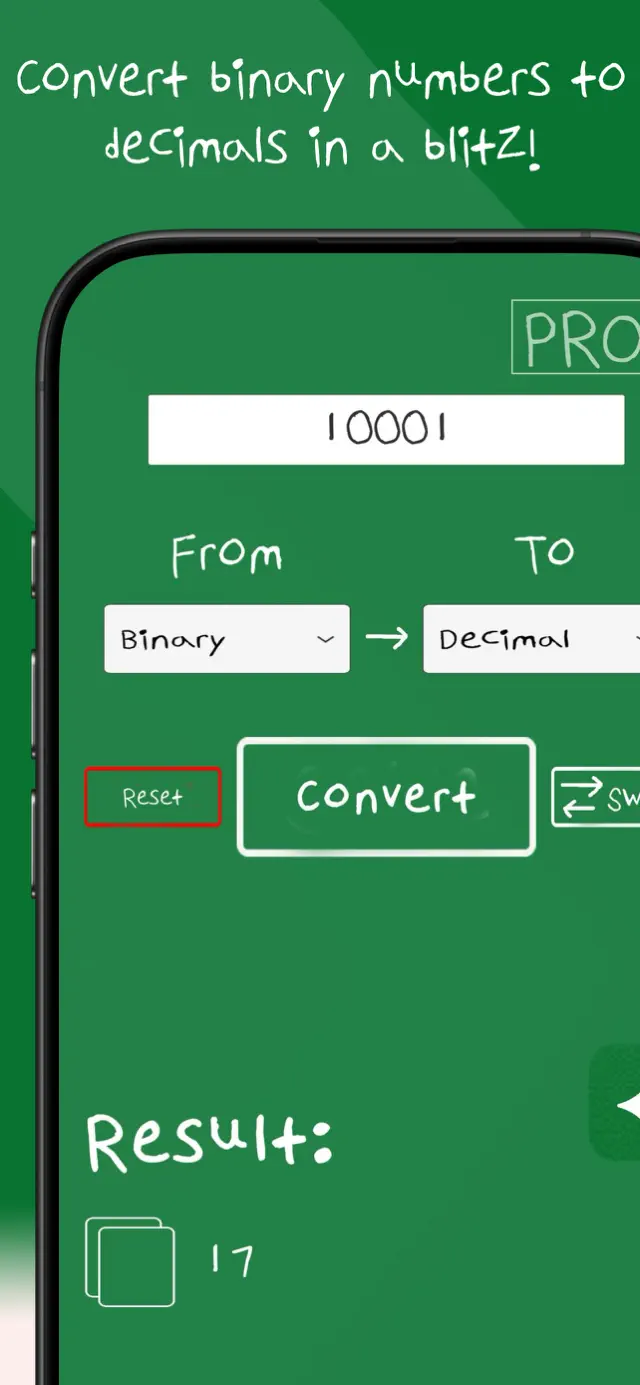
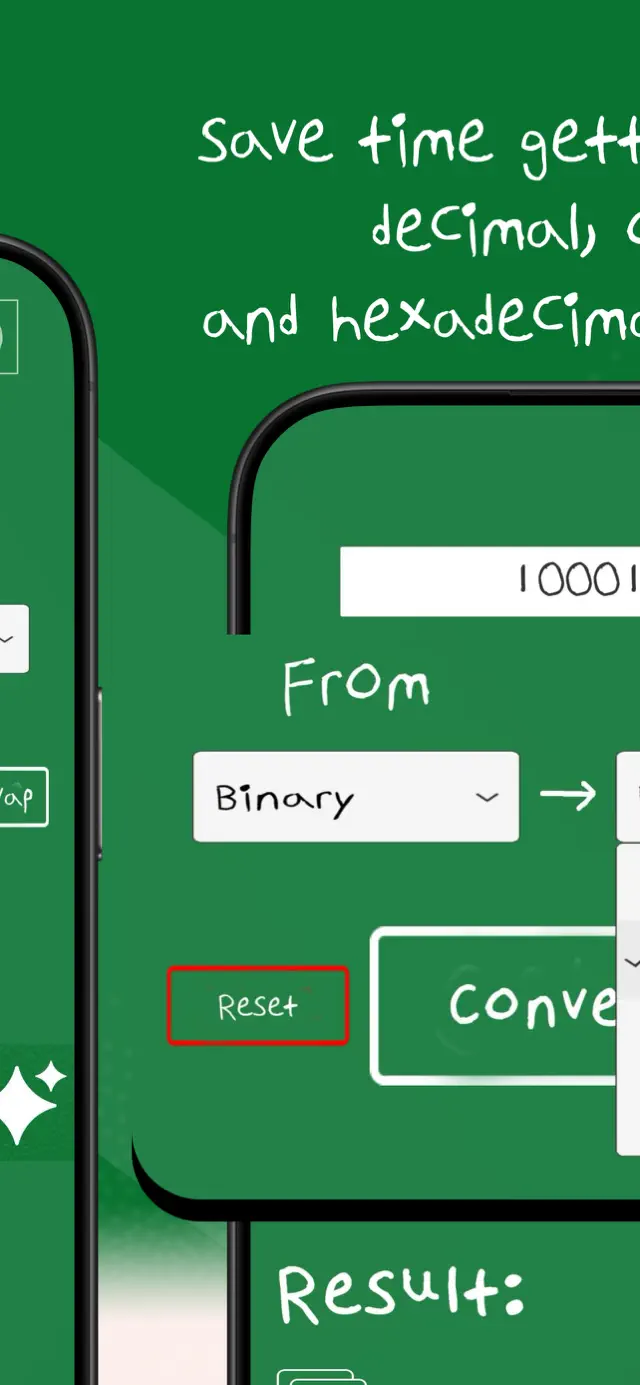
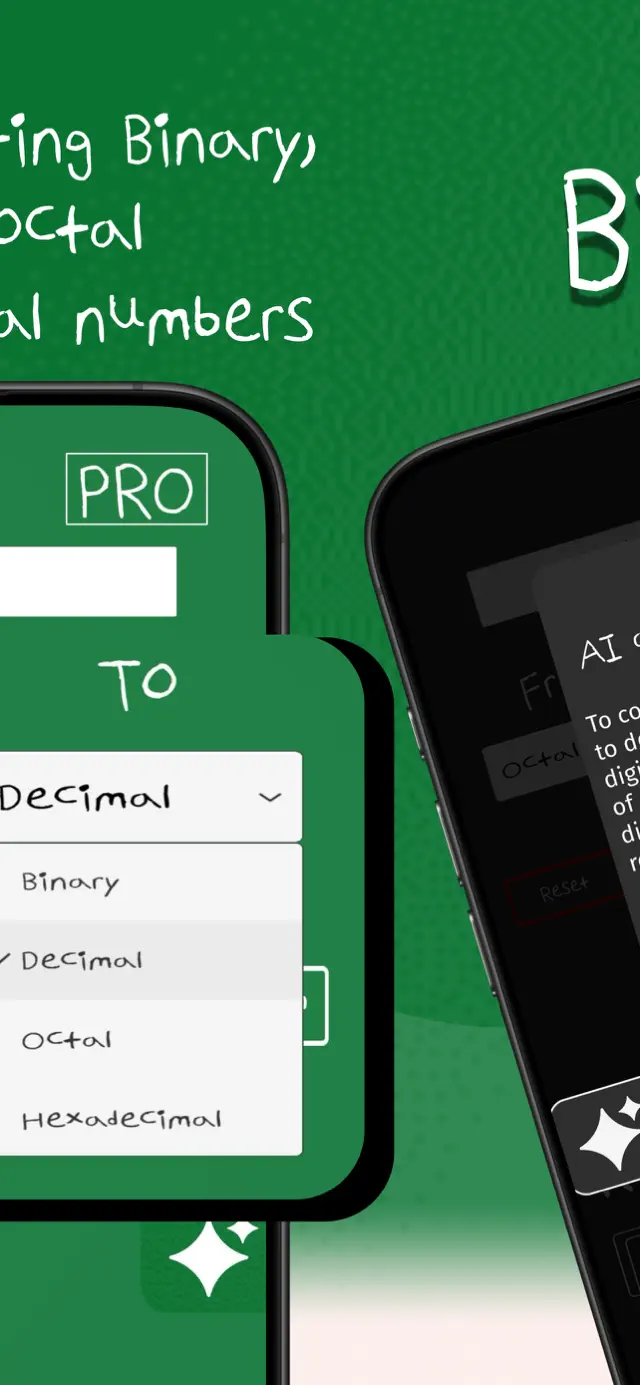
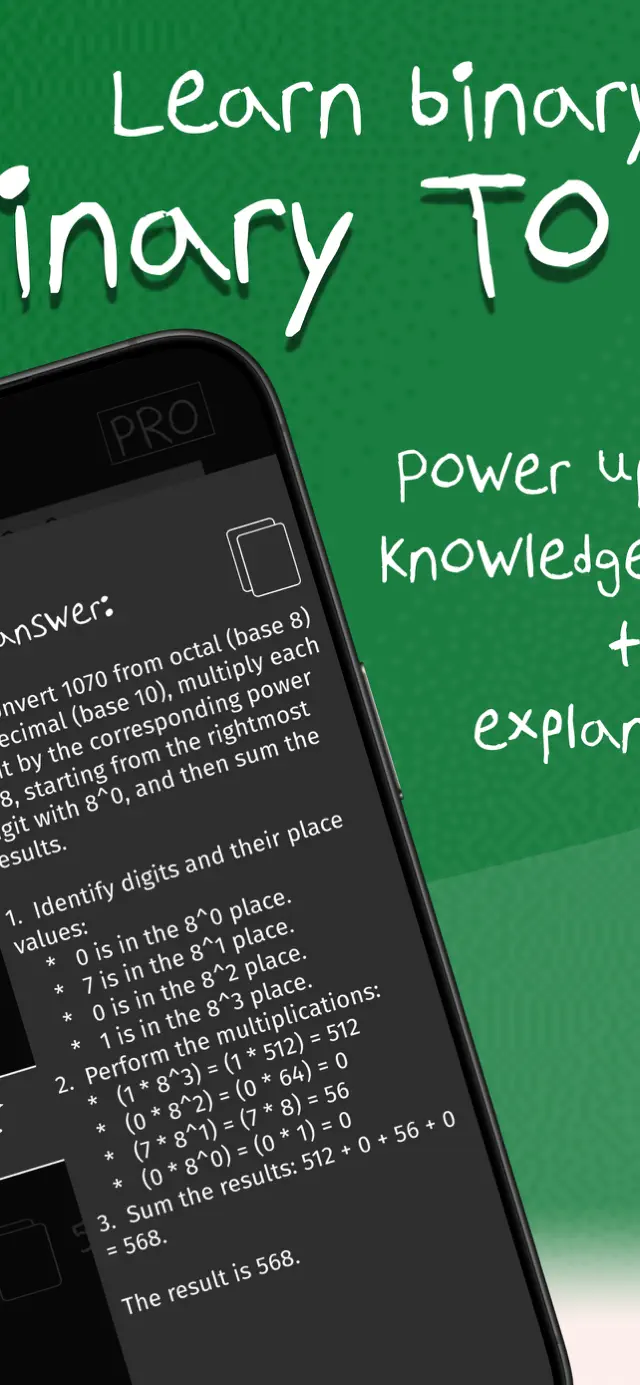
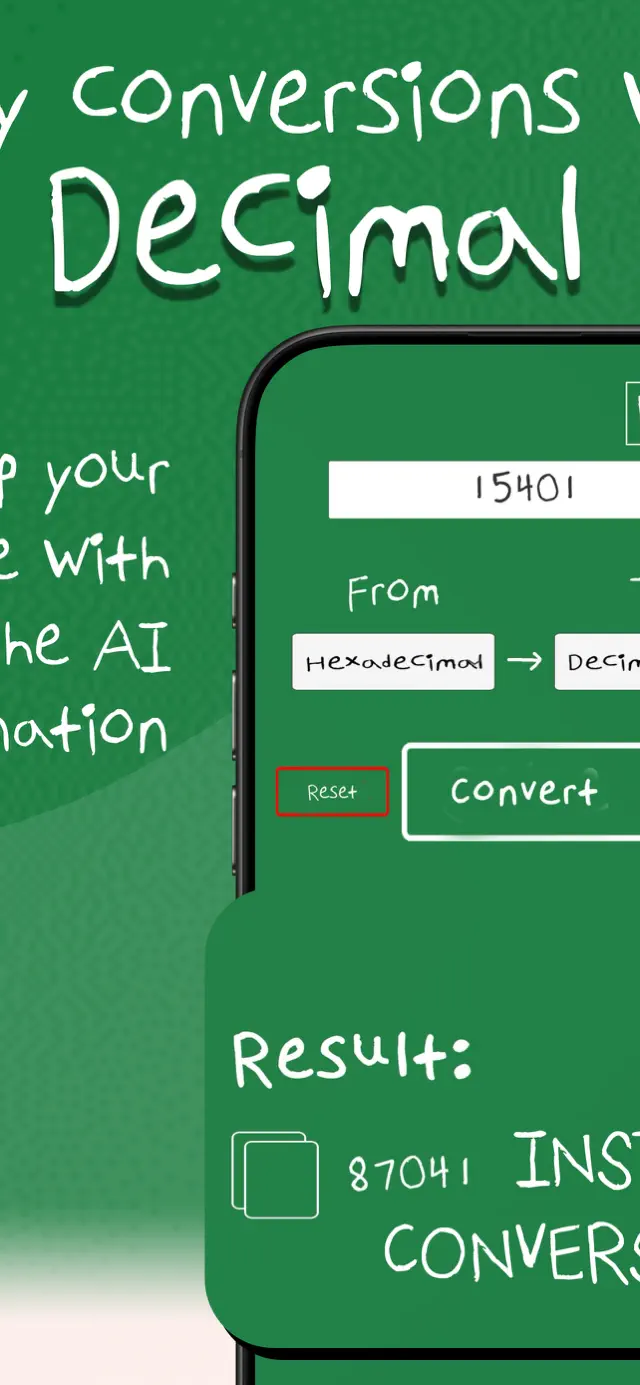
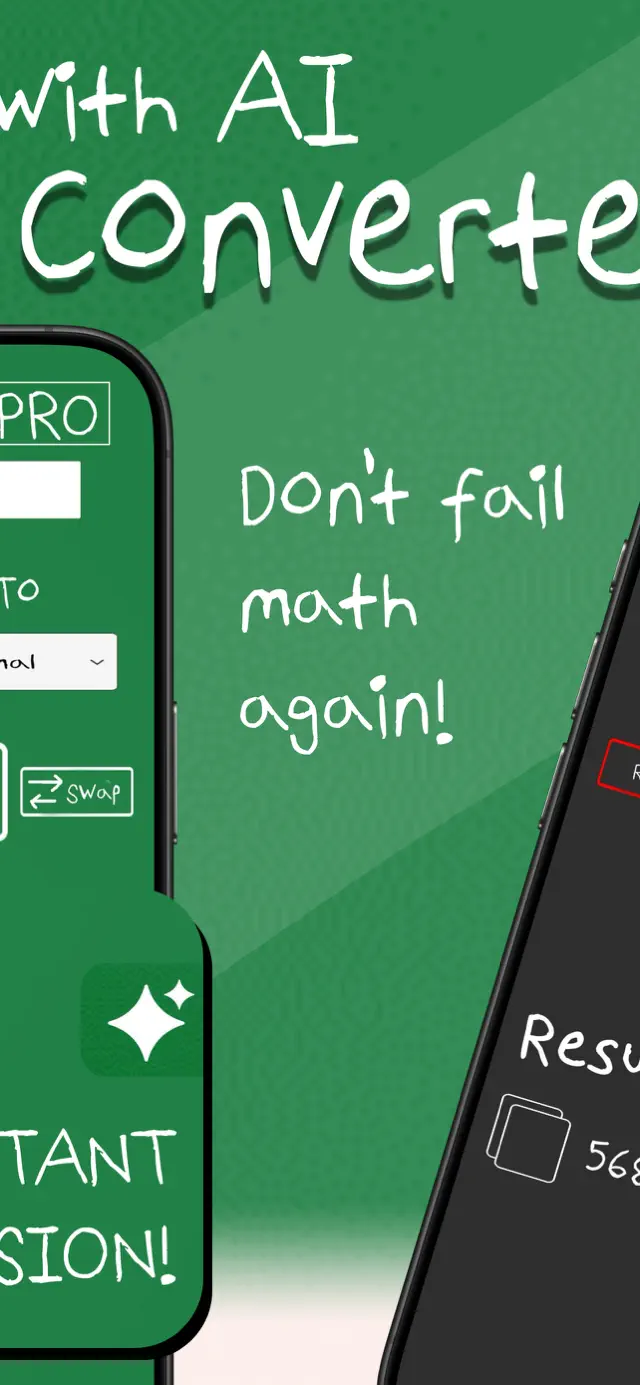
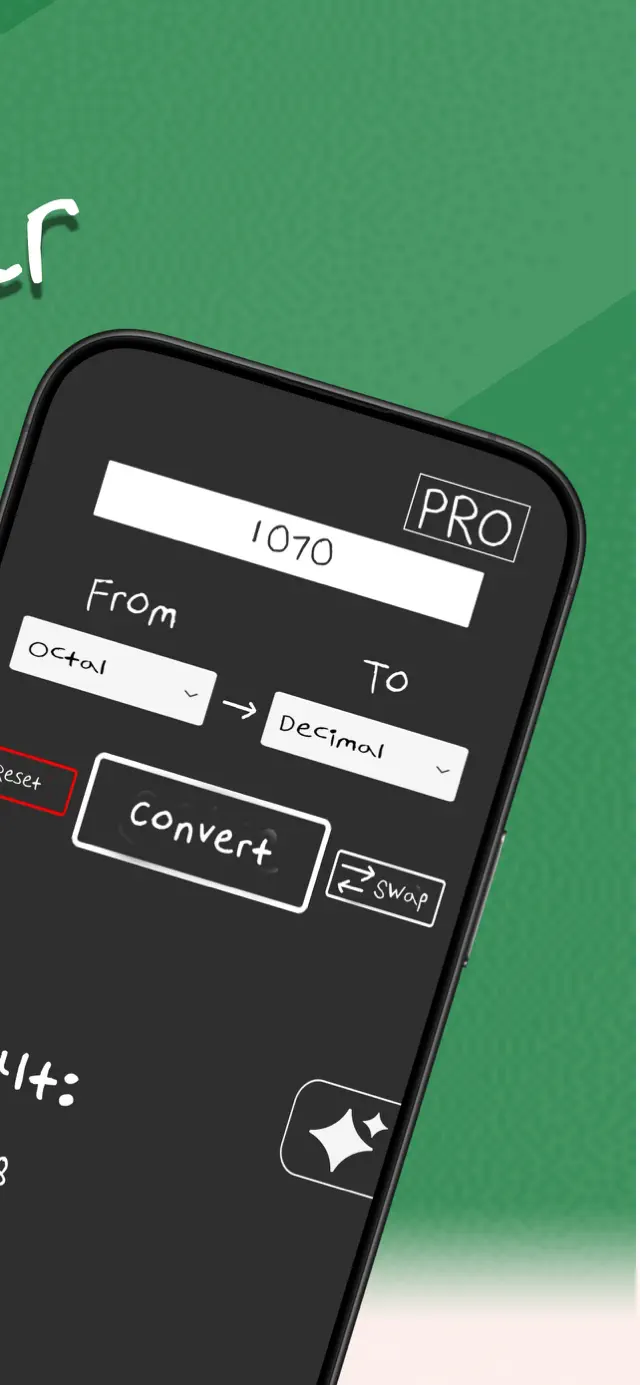
What Base Converter looks like on your phone
The same calculator, built for touch — plus the AI explanation and dark mode that come with PRO.
FAQ
Questions people ask
How do you convert binary to decimal?
Give each binary digit its place value — a power of 2, counting right to left from zero — then add up the values of the positions holding a 1.
Binary to decimal, step by step →How do you convert decimal to binary?
Divide the number by 2 repeatedly, writing down the remainder each time, until the quotient reaches zero. Reading those remainders from the bottom up gives the binary number.
Decimal to binary, step by step →Why is hexadecimal used in programming?
Each hex digit maps to exactly four binary digits, so hex is a compact way to write binary that converts back and forth with no arithmetic. That is why colours, memory addresses and byte values are usually written in hex.
What hexadecimal is used for →Which bases does this converter support?
Any base from 2 to 36 in both directions, with binary, octal, decimal and hexadecimal always shown at once.
What are the digits in bases above 10?
Letters continue the sequence after 9: A is 10, B is 11, and so on up to Z for 35. Hexadecimal uses A to F because it needs values up to 15.
The conversion chart →Take Base Converter with you
The app adds plain-English AI explanations, dark mode, and works offline — useful when there is no signal or the exam hall has no Wi-Fi.
Free to download. AI explanations and dark mode are part of the optional PRO subscription.